

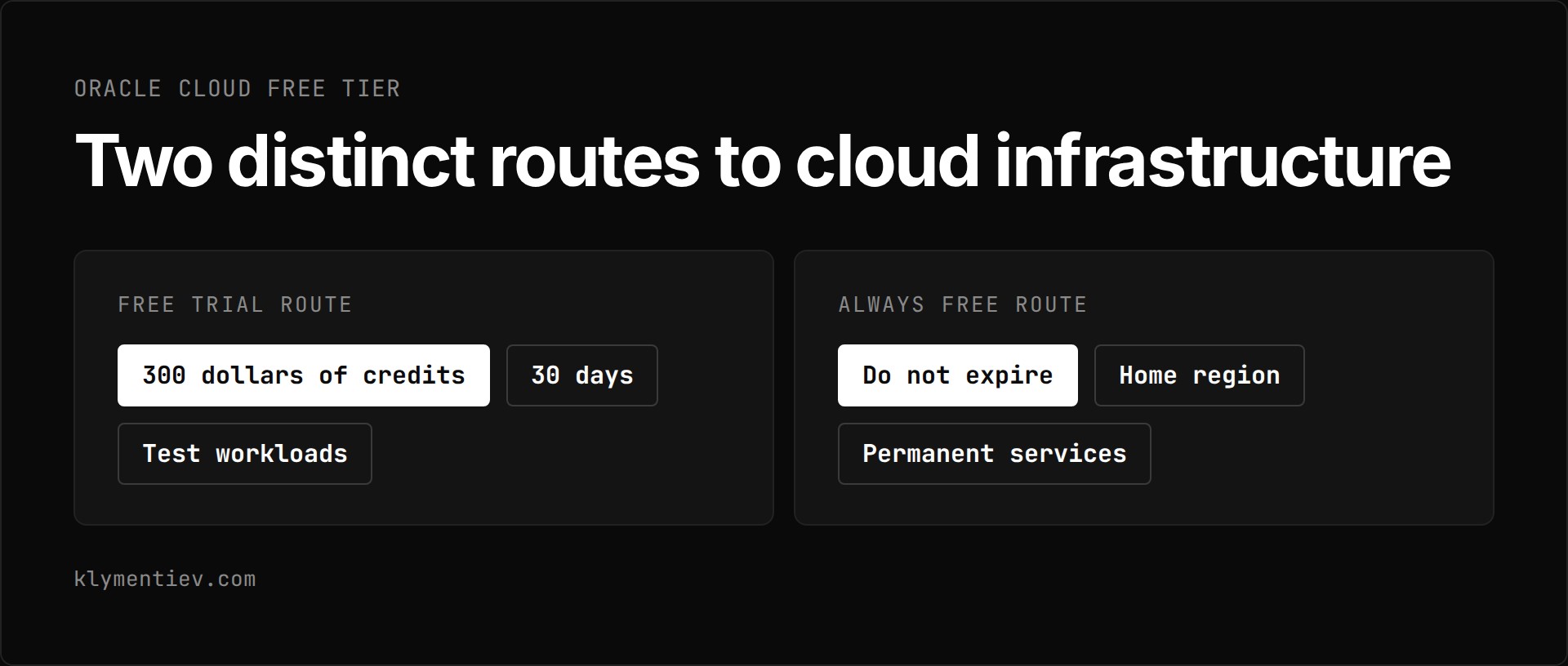
The oracle cloud free tier provides two distinct routes to cloud infrastructure: a 30-day Free Trial with 300 dollars in cloud credits, and a set of Always Free offers that do not expire. Both routes are active and available across standard commercial data centers, though they are not available in US Government Cloud regions. As of 2026-11-01, you can use these routes separately or together to run test workloads or host permanent services.
What does the 30-day Free Trial route provide?
The Free Trial route gives you 300 dollars of cloud credits to use over a period of up to 30 days. You can spend these credits on any eligible Oracle Cloud Infrastructure service, including larger compute instances, additional storage, and managed platform offerings that fall outside the free tier allowance.
To register for the Free Trial, most users need a mobile phone number and a credit card during sign-up on the official sign-up page. The card is not charged unless you upgrade.
During account creation, you must select your home region carefully. Your Always Free compute instances and Always Free Autonomous AI Databases can be created only in this chosen home region.
When the Free Trial ends, any paid resources created with trial credits are reclaimed by Oracle unless you upgrade your account. Your account stays active, and your Always Free resources continue running without interruption.
What does oracle cloud always free include?
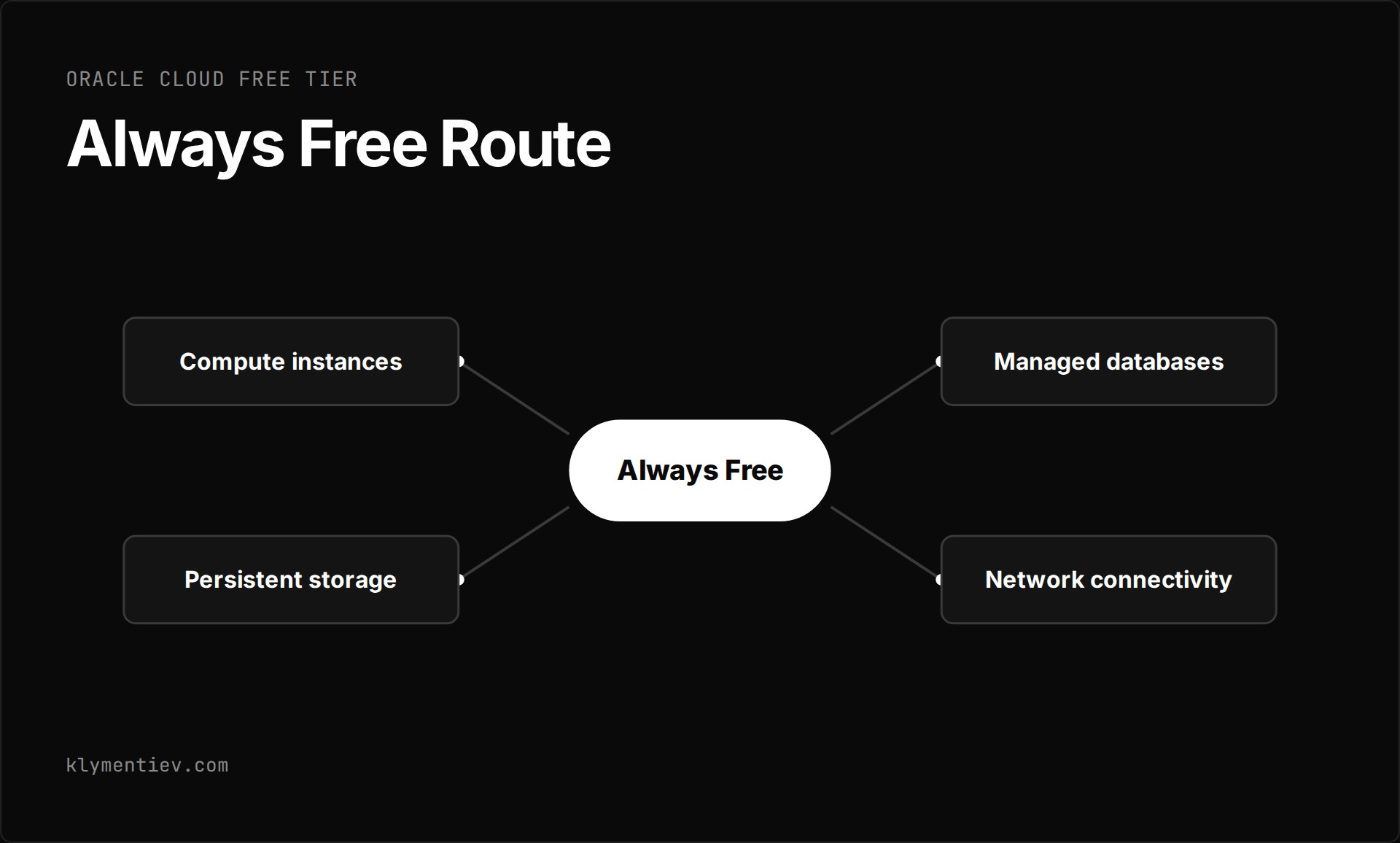
The oracle cloud always free route includes compute instances, persistent storage, managed databases, and network connectivity that remain free for the life of your account in your home region. Both free accounts and upgraded paid accounts can use these resources.
Compute capacity is divided between AMD and Arm architectures. For AMD, you can run up to two VM.Standard.E2.1.Micro instances. Each micro instance provides 1/8 of an OCPU, 1 GB of memory, and network throughput of up to 50 Mbps to the internet, with up to 480 Mbps available to private IP addresses or resources within the same region. These micro instances can use additional CPU when capacity is available.
For Arm compute, Oracle allocates the first 1,500 OCPU hours and 9,000 GB hours per month free using Ampere A1 Flex shapes. This monthly pool is equivalent to 2 OCPUs and 12 GB of memory running continuously. You can allocate this pool flexibly, running one large instance with 2 OCPUs and 12 GB of memory, or splitting the resources across two instances with 1 OCPU each. If you plan to deploy an oracle free vps using the Oracle Linux Cloud Developer image, you must allocate at least 8 GB of memory to that instance.
Storage includes a total of 200 GB of boot volume and block volume combined, hosted in your home region, along with five volume backups. Because the default boot volume size per instance is approximately 50 GB, running four compute instances uses your entire 200 GB block storage allocation. For unstructured data, you receive 20 GB of Object Storage combined across Standard, Infrequent Access, and Archive tiers, with up to 50,000 API requests per month.
Managed databases are also part of the Always Free allowance. You can run two Autonomous AI Databases, each provisioned with 1 OCPU, 20 GB of storage, and support for up to 20 simultaneous sessions. Autonomous AI Databases are not scalable within the free tier, but you can upgrade them to paid instances later. In addition, you can run one standalone MySQL HeatWave database system with a single-node HeatWave cluster, 50 GB of storage, and 50 GB of backup storage. For document and key-value data, Oracle provides an Always Free NoSQL Database supporting up to 133 million reads, 133 million writes per month, and three tables of 25 GB each.
Networking includes 10 TB of outbound data transfer per month. You can deploy up to two Virtual Cloud Networks for Free Tier tenancies, one flexible load balancer provisioned at 10 Mbps for tenancies created on or after 2020-12-15, and one network load balancer. Site-to-Site VPN supports up to 50 IPSec connections. Outbound port 25 is blocked by default, and getting an exemption requires submitting a service limits request. Additional infrastructure tools include Email Delivery for up to 3,000 emails per month, Monitoring, Notifications, Vault software keys with 150 secrets, Certificates handling five certificate authorities and 150 certificates, and Bastion access. Primary architecture details and operational guides can be verified directly in the official Free Tier documentation and the Always Free resources guide.
How do idle reclamation and oracle free tier limits work?
Oracle enforces rules that can cause the termination of your resources if metrics fall below operating minimums or exceed allocated thresholds. You must understand how these oracle free tier limits operate to avoid losing services unexpectedly.
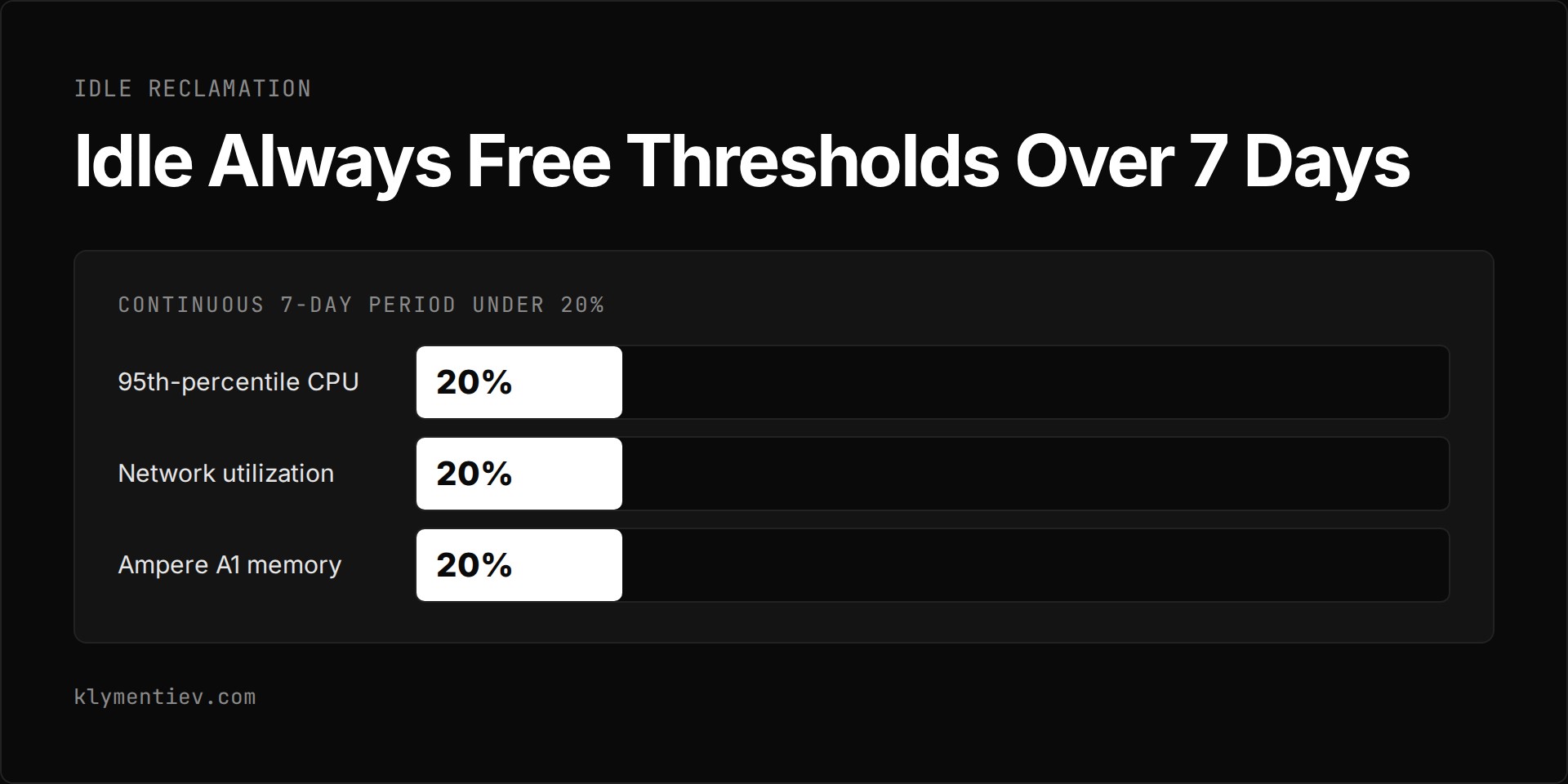
Oracle monitors compute instances and may reclaim idle Always Free instances. An instance is classified as idle if, over a continuous 7-day period, all three metric conditions are met: the 95th-percentile CPU utilization is under 20%, network utilization is under 20%, and, for Ampere A1 shapes only, memory utilization is under 20%. If your instance stays below these thresholds across all three metrics for seven days, Oracle can reclaim it.
Resource transitions at the end of your 30-day trial require manual management. If you hold more Ampere A1 capacity than the Always Free limit of 2 OCPUs and 12 GB of memory when the trial ends, all of your A1 instances are disabled and then deleted after 30 days unless you upgrade. To retain your A1 instances without upgrading, you must scale down your total A1 usage to fall within 2 OCPUs and 12 GB before the trial ends. Similarly, if your Object Storage tenancy holds more than 20 GB when the Free Trial ends without an account upgrade, all stored objects are deleted.
You may occasionally encounter an out of host capacity error when attempting to launch Always Free compute shapes. This error indicates a temporary shortage of available Always Free hardware in your chosen home region. To resolve it, try launching the shape in a different availability domain within that region, or retry the request later when capacity frees up.
You can upgrade your account to a Pay As You Go model at any time by selecting the Upgrade link in the top banner of the Oracle Cloud Console. Upgrading does not require an upfront financial commitment. Once you upgrade, your Always Free resources remain entirely free, and you are billed only for usage that exceeds the Always Free limits. Paid accounts get access to more compute types. You can monitor your current utilization in the Console by navigating to Governance and Administration, then Tenancy Management, and selecting Limits, Quotas and Usage.
Which oracle cloud free tier route fits your needs?
Choosing between the Free Trial credits and the ongoing Always Free pool depends on whether your workload is a short testing engagement or an ongoing system.
| Feature | Free Trial Route | Always Free Route |
|---|---|---|
| Resource scope | 300 dollars of credits for up to 30 days, spent on any eligible service | Fixed set of eligible OCI compute, storage, network, and database resources |
| Duration | Valid for up to 30 days | Valid for the life of the account |
| Compute allocation | 300 dollars of credits for up to 30 days, spent on any eligible service | Up to 2 AMD micro instances and up to 2 OCPUs with 12 GB memory on Arm Ampere A1 Flex |
| Storage allocation | 300 dollars of credits for up to 30 days, spent on any eligible service | 200 GB boot and block storage total, plus 20 GB Object Storage |
| Cost and billing | Free until credits expire or 30 days elapse | Free permanently within defined service thresholds |
Frequently asked questions
Can you run an oracle free vps permanently without upgrading?
Yes. You can run compute instances permanently without upgrading your tenancy, provided you keep your resources within the Always Free allocation. You can deploy up to two AMD micro instances or configure up to 2 OCPUs and 12 GB of memory on Ampere A1 Flex shapes. To prevent termination, your instances must avoid matching the idle reclamation criteria of maintaining under 20% CPU, network, and memory utilization across a 7-day window.
What should you do when you see an out of host capacity error?
The out of host capacity error occurs when there is a temporary lack of Always Free physical host capacity in the specific availability domain you selected. When this happens, attempt to create the compute instance in another availability domain inside your home region. If all availability domains are constrained, you must wait and retry provisioning later.
What happens to your compute instances when the Free Trial ends?
When the 30-day Free Trial ends, Always Free resources continue running normally. However, any paid compute shapes provisioned with trial credits are reclaimed by Oracle. If your Ampere A1 Flex capacity exceeds the Always Free allowance of 2 OCPUs and 12 GB of memory, all A1 instances are disabled and then deleted after 30 days unless you upgrade. You must reduce your A1 usage to 2 OCPUs and 12 GB or fewer before the trial ends to keep them.
Where can you inspect your tenancy usage and limits?
You can track your resource usage and check your remaining capacity inside the Oracle Cloud Console. Go to Governance and Administration, open Tenancy Management, and select Limits, Quotas and Usage. This view displays your current operational metrics against your account limits.
